F5 and Hashicorp Basics > F5 Automation With Terraform > Lab 1 - Basic BIG-IP Administration with Terraform Source |
Modify and Destroy App Services Configuration
In this section you will conduct basic add and delete administration using terraform
Add 2nd Pool Member to service App1
- use vscode to add the following code to app1.tf
resource "bigip_ltm_node" "node2" {
  name    = "/Common/10.1.10.10"
  address = "10.1.10.10"
}

resource "bigip_ltm_pool_attachment" "attach_node2" {
  pool = "/Common/app1_pool"
  node = "/Common/10.1.10.10:80"
}
Hint
Follow same syntax and spacing formats for best results. Notice existing bigip_ltm_node and bigip_ltm_pool_attachment resource dependencies.
Redeploy App1 services
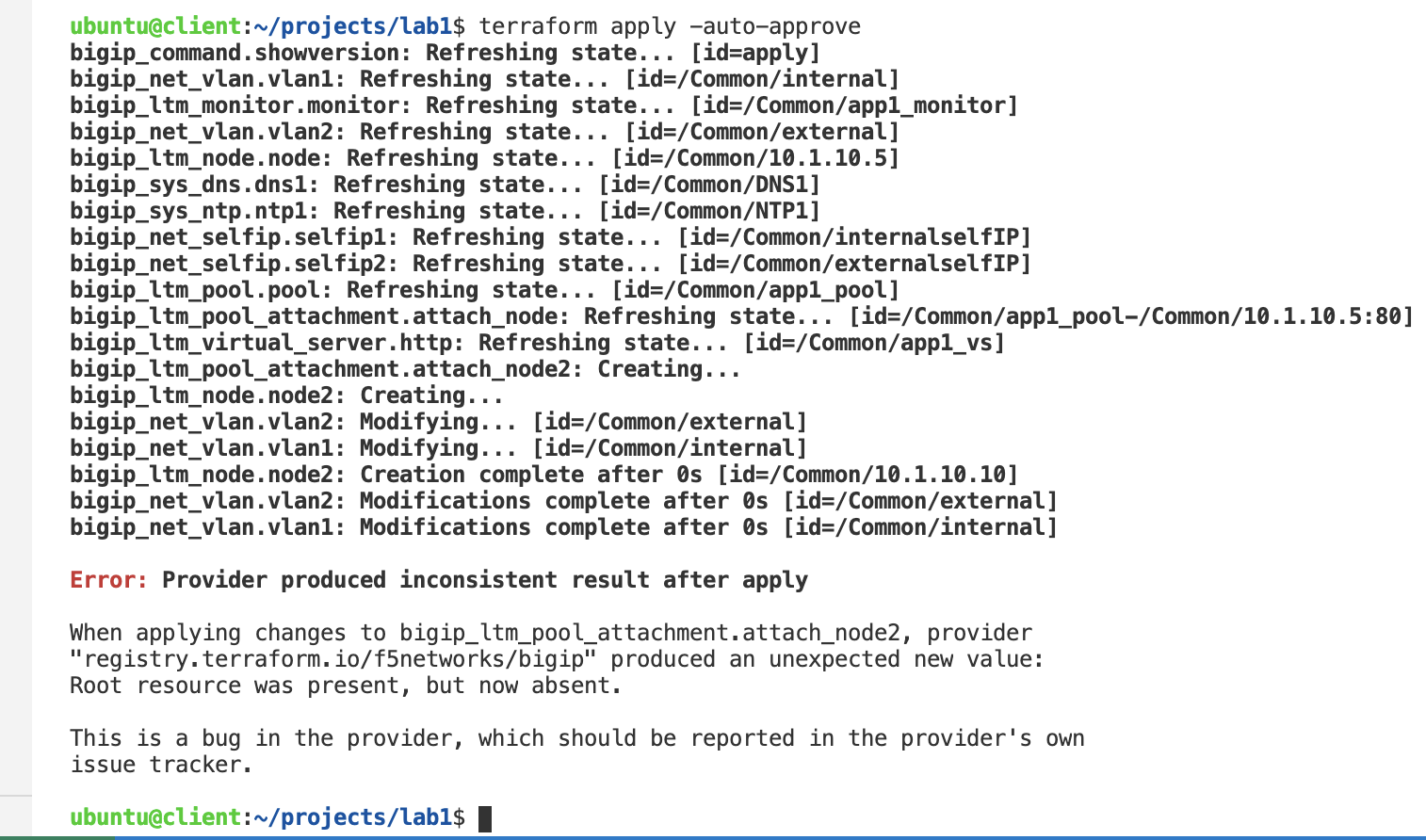
terraform planterraform apply -auto-approve
Note
The apply will most likely result with and error due to resource dependencies. If so, you may simply run terraform apply again. However I recommend you resolve the dependencies as hinted in the previous step to ensure consistency.
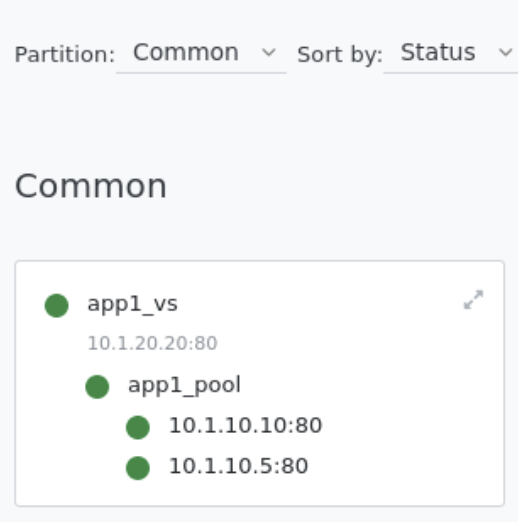
Confirm app1_pool now contains 2 pool members
- Explore BIG-IP GUI Local Traffic -> Network Map to view app1 services
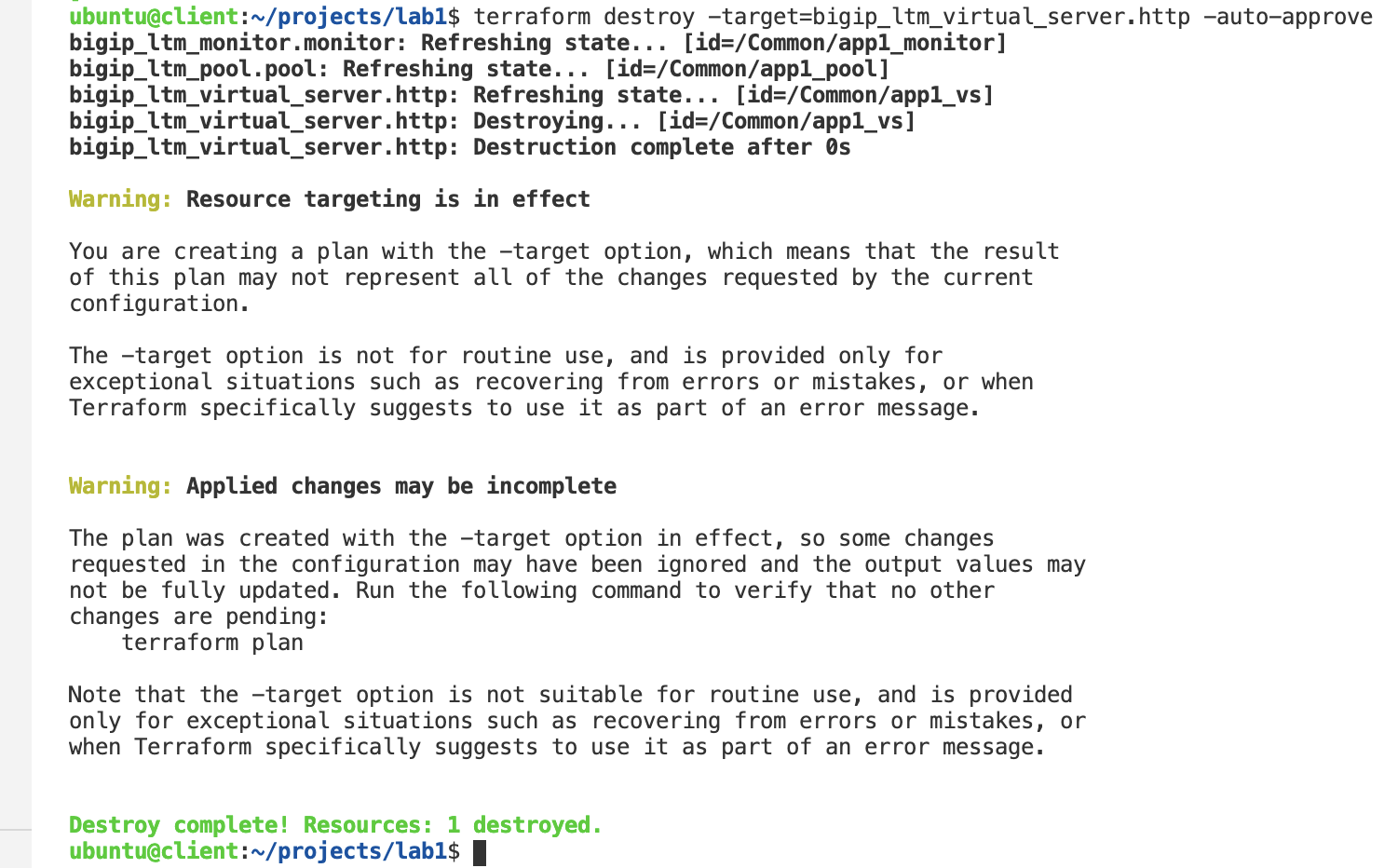
Destroy app1_vs resource
terraform destroy -target=bigip_ltm_virtual_server.http -auto-approve
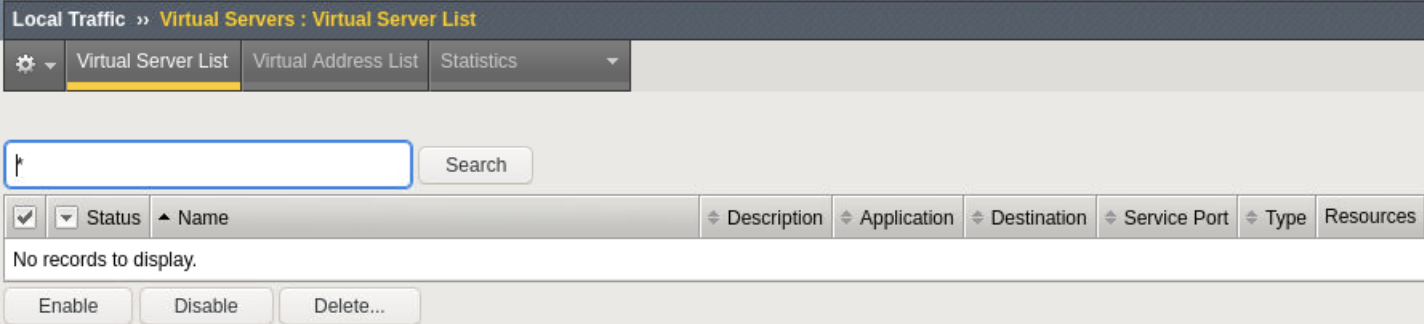
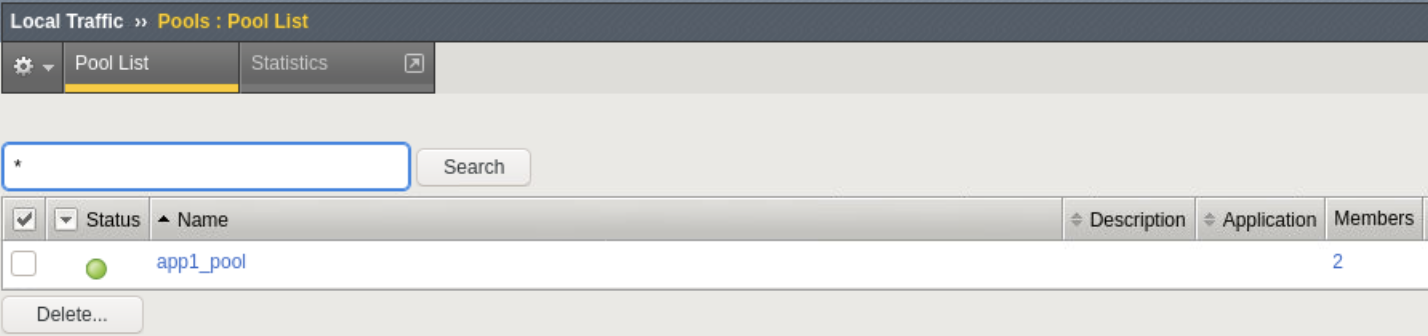
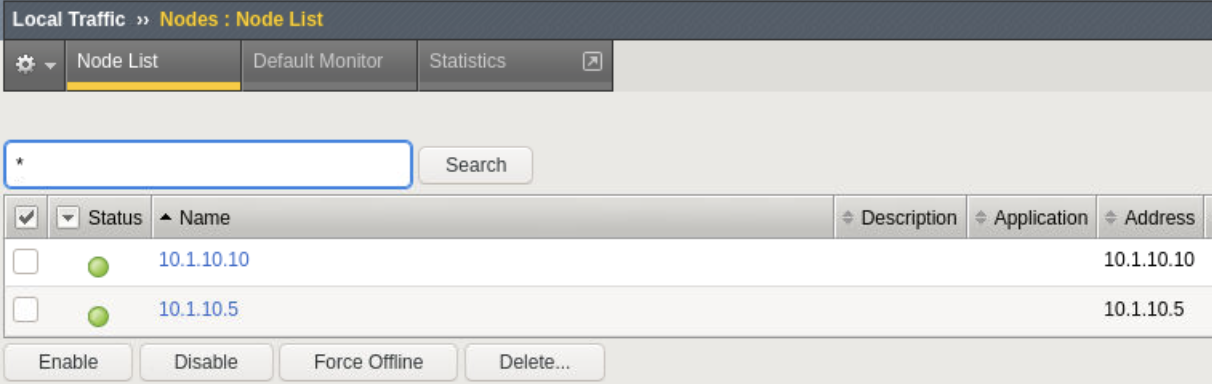
Confirm App1 services no longer exist
- Explore Local Traffic -> Virtual Servers, Pools and Nodes
Destroy all services
terraform destroy -auto-approve
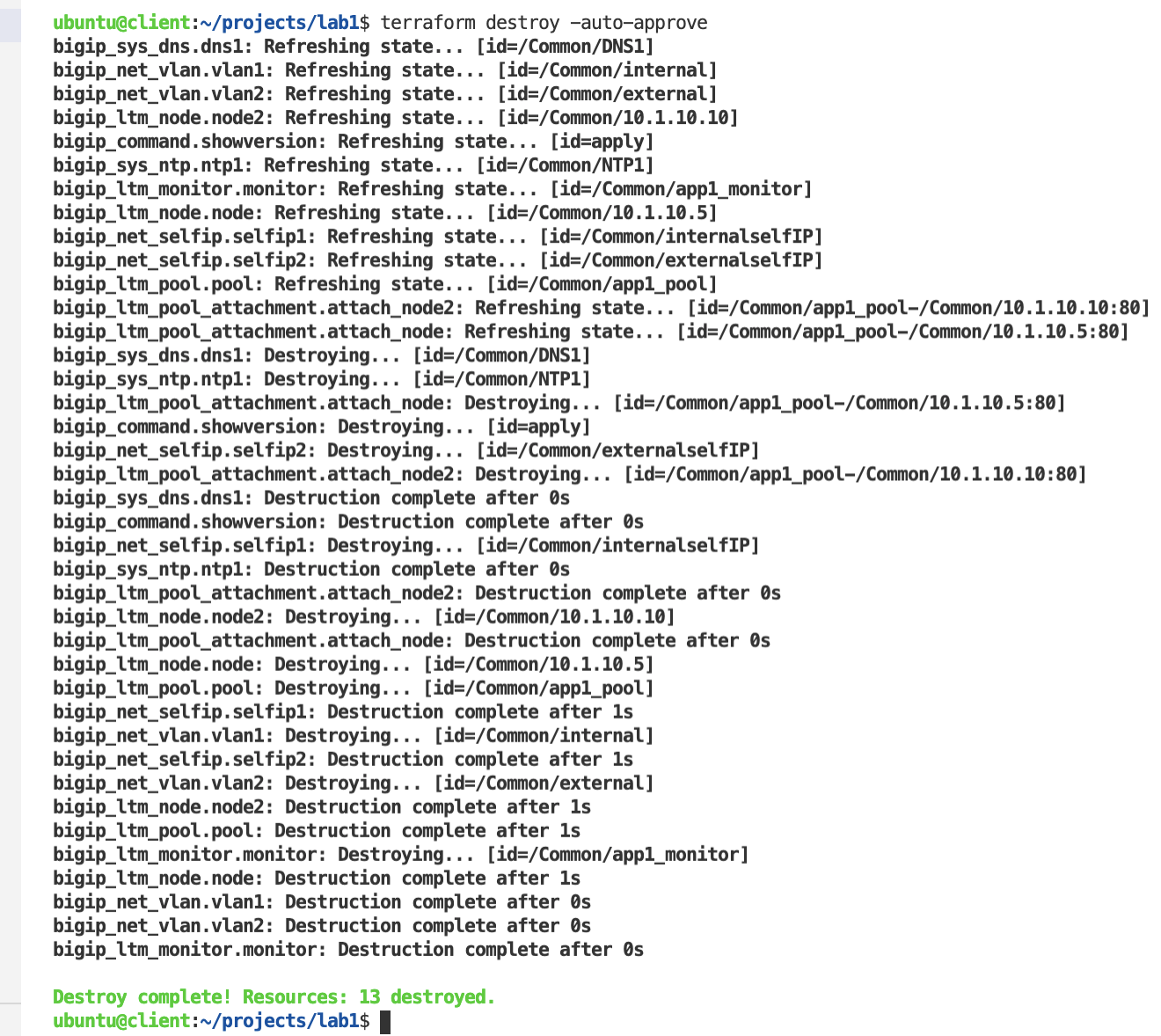
Confirm all services and network configs no longer exist
- Explore BIG-IP GUI Local Traffic -> Virtual Servers, Pools and Nodes to view no app services
- Explore BIG-IP GUI Network -> Self IPs and Network -> VLANs settings to validate they are not configured